



Read more

Summary
The Rift S isn’t a huge upgrade over the original Rift, but it brings Oculus’ desktop VR into the modern era. Its built-in tracking works well, and the displays look much better than before. But if you were expecting something truly next-generation from Oculus, you’re better off looking at the Quest.

In some ways, the Rift S feels like a throwback now that the Oculus Quest is here. Whereas the Quest is entirely self-contained and wireless, the Rift S still needs to be tethered to a computer. But at least it has fewer cables than the original headset. By sacrificing portability, you get access to much more complex VR experiences, driven by more powerful processors and gamer-friendly graphics cards. And of course, you don't have to worry about battery life. Eventually, a wireless transmitter like TPCast's could get rid of the Rift S's cables, but you'd still need to be within range of a PC.

At first glance, the Rift S seems almost entirely devoid of personality. That's a shame, since the last model had a sleek and clean design -- like something from Sony or Apple in their prime. It's not what you'd expect from first-time gadget company owned by Facebook. The Rift S, meanwhile, looks like almost every other VR headset out there. Partially, that's because Oculus partnered with Lenovo to build it. Oculus says that allowed them to release it faster than if they did all the grunt work on their own, since Lenovo has plenty of experience making VR and AR headsets. But the end result feels rushed, unrefined, and honestly, unimportant.

Maybe I'm being too negative. There are some genuine improvements: the most notable is Oculus' Insight tracking system, which uses five built-in sensors to track your head and hand movement. The last Rift, meanwhile, required two table-top sensors. And if you wanted room-scale tracking, you needed to buy another sensor to place behind you (and somehow trail a long cable to your PC). And if you happened to bump into one of those sensors, you'd quickly run into problems. Putting the sensors right on the Rift S means you don't have to worry about any of that, and it finally gives Oculus a way to compete with Microsoft's Mixed Reality headsets, which have similar six-degree of freedom tracking.
The Rift S also requires far fewer cables than before: You just need to plug it into a DisplayPort connection on your video card and a USB 3.0 port. Before, you needed an HDMI port, a USB 3.0 port and a USB port for each sensor. When I originally reviewed the Rift, I had to buy a USB hub to connect all of my other peripherals, because the headset used up everything else on my motherboard. As for controlling your VR adventures, the Rift S includes the same revamped motion controllers than the Quest uses. They feel just as good as the last models, except they're a bit smaller and only require a single AA battery.

I was genuinely worried about the Rift S's display at first. It has a higher 2,560 by 1,440 resolution than the Rift, but it relies on fast-switching LCD panels instead of OLED. Even worse, the refresh rate has been lowered from 90Hz, which used to be considered the bare minimum for VR, down to 80Hz. And while the resolution is a step up from the Rift, it's still lower than the Oculus Quest. During my testing, though, I mainly noticed that it looked sharper than the Rift, and the lower refresh rate didn't bug me too much.
The convenient on-ear headphones were replaced by internal speakers, though you can also plug in headphones into a 3.5mm port. Another downside? The Rift S also forgoes lens adjustment slider, which lets you shift things based on your eye distance. Instead, there's a software pupillary distance setting that might not work for every user, since it's not actually moving the lenses.
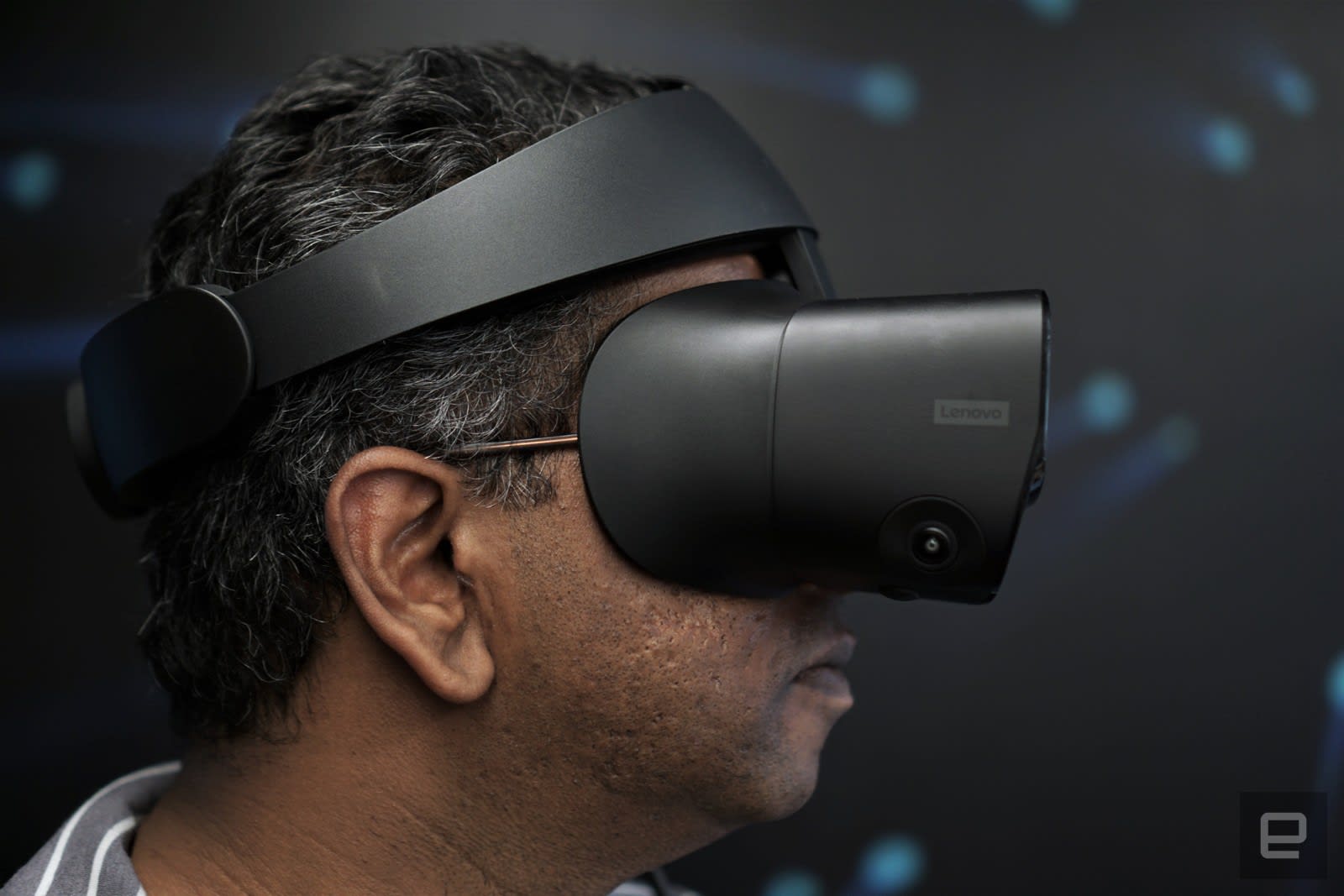
At least the Rift S feels comfortable. Lenovo used a halo headstrap design, similar to the HoloLens and PlayStation VR. Turning the rear dial opens it up, you just place it over your head and tighten the dial in the other direction. The plush cushioning at the top and back felt pillowy soft, as did the foam around the eye piece. While it's all gentler on my face than the Rift, the material doesn't feel particularly sturdy. I'd wager the foam will show wear and tear far more quickly than before. Overall, though, the new headstrap is an improvement. The Rift S just feels easy to wear, even though its 20 percent heavier than the Rift.
Once I put on the Rift S, I saw a monochrome view of my home office. That's Passthrough+, Oculus' way of giving you a glimpse of the world around you, without taking off the headset. It's a bit sharper than the Quest's version, and it also supports depth sensing, which gives you a slightly more three-dimensional view of the world. I was instructed to set up Guardian boundaries to avoid bumping into my desk and walls. First, I placed a controller on the ground so it could detect the floor level, then I traced a boundary around the open space in front of my desk. It was at this point that I genuinely missed the freedom of the Quest, where I wasn't stuck just trying to make room for VR in my cramped home office. The Guardian system on the Rift S works just like the wireless headset: Transparent blue walls appear when I approach the edge, when I peeked beyond them, I got the Passthrough+ version of my apartment.

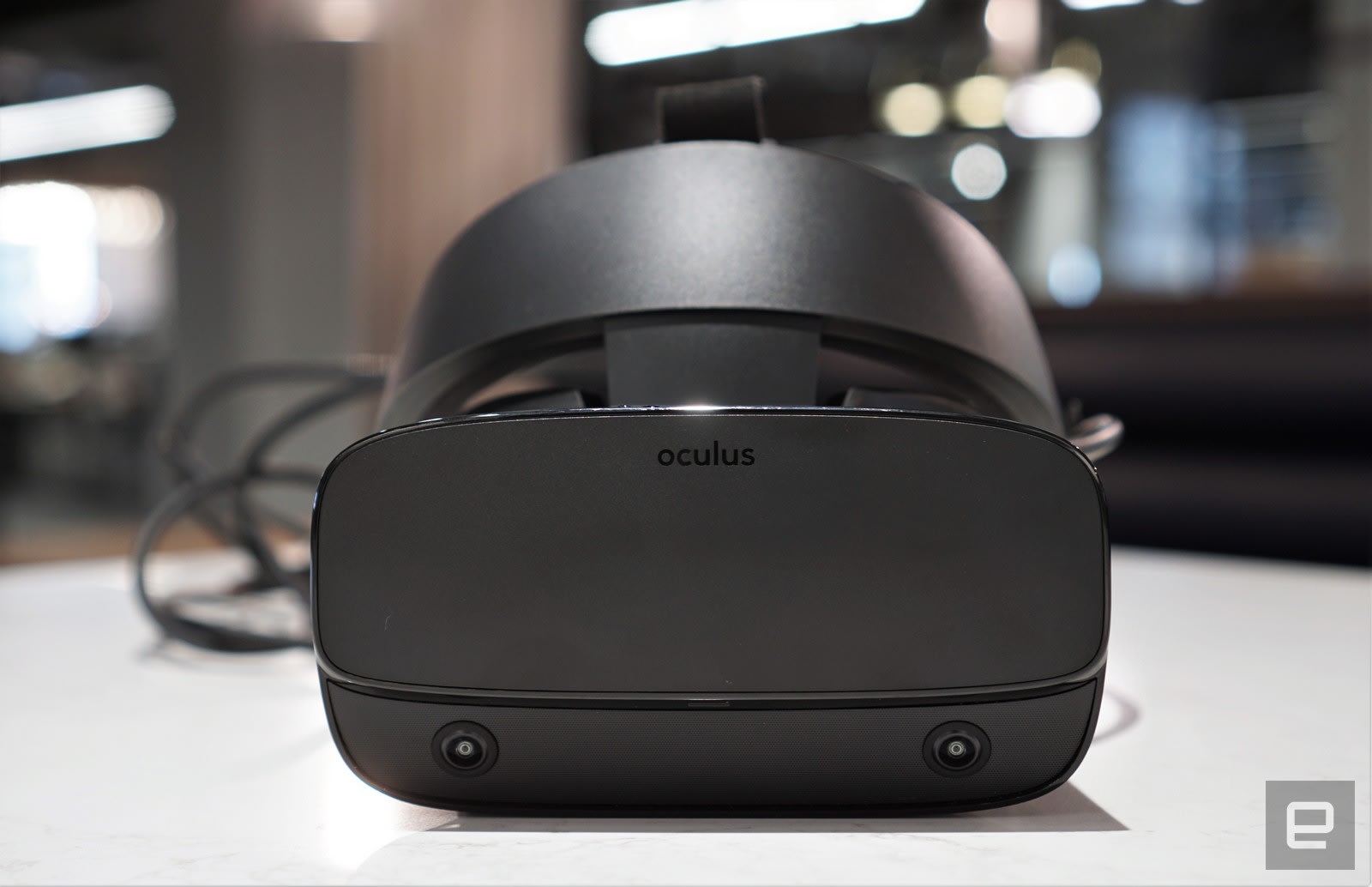
If you absolutely need a new headset right away, and you don't want to deal with sensor hassles, you could do worse than the Rift S. But it would have been far more compelling last year. Now that we're three years on from the launch of the Rift, Oculus' fans are eager for their next big thing. Unfortunately, they won't find it here -- Oculus is clearly far more focused on the Quest.


 Posts
Posts


0 Reviews